SleepyLight 1.1 · Available now for iPhone
SleepyLight
Your Screen Light and flashlight, ready in one tap.
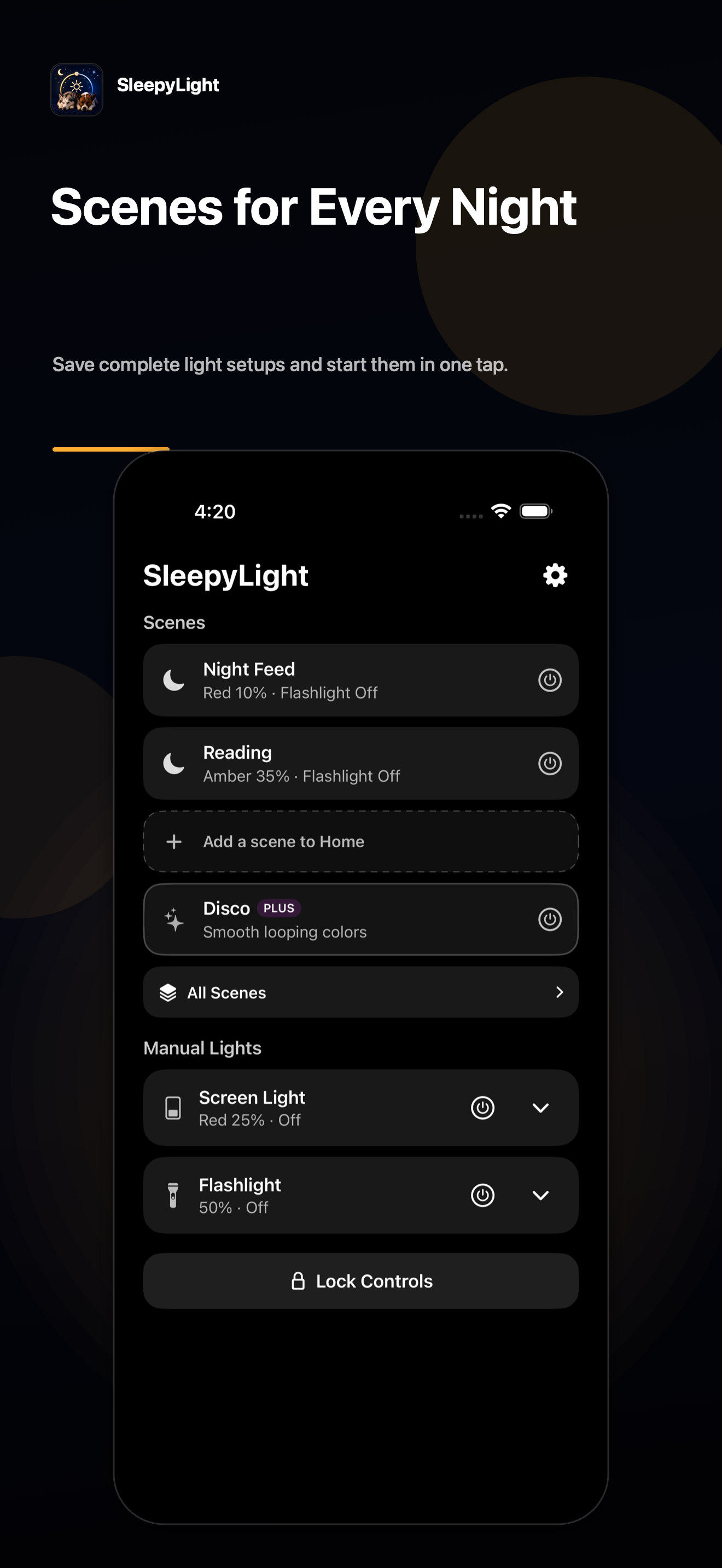
Create a scene with the Screen Light color and brightness you prefer, with or without the flashlight. Activate it whenever you need it, or use the manual controls for a quick adjustment.
No accounts. No ads. No subscriptions.
Download on the App StoreSee SleepyLight in action.
Save it once. Turn it on with one tap.
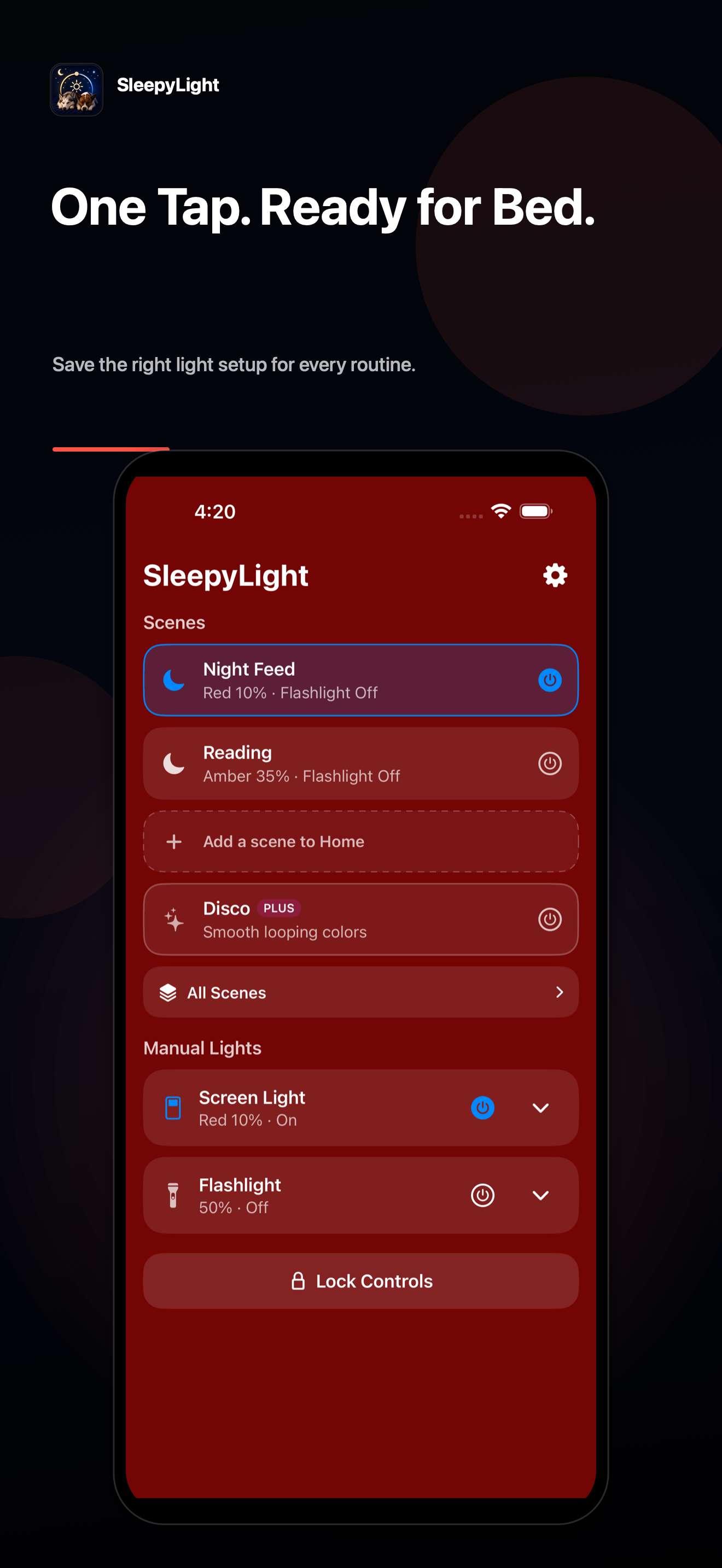
A scene keeps your Screen Light and flashlight settings together in one named setup. Tap a scene to activate the entire setup. Tap the active scene again when you’re ready to turn it off.
SleepyLight starts with Night Feed: a soft red Screen Light at 10% brightness with the flashlight off. Use it immediately or customize it to fit your routine.
One Screen Light. Seven colors.
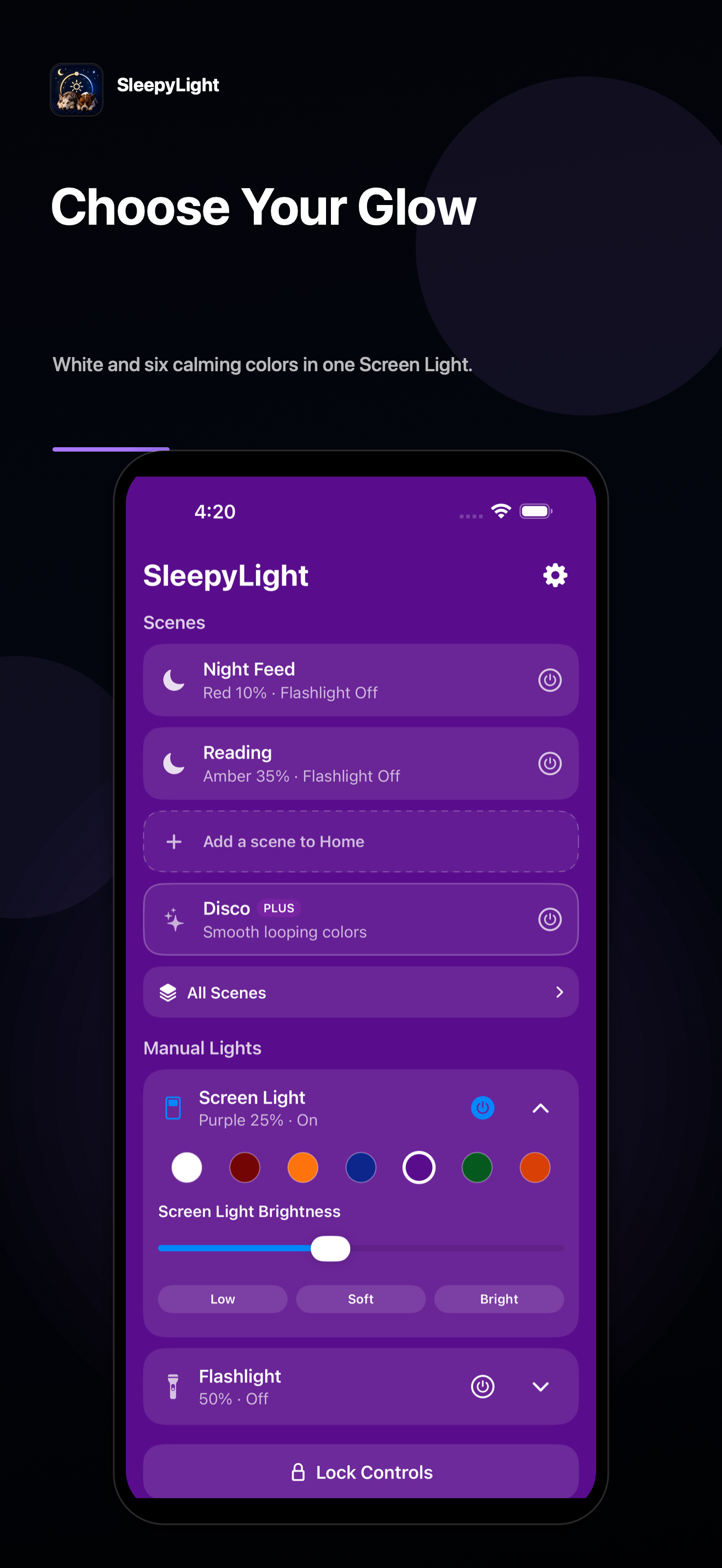
Choose White for clear illumination, or Red, Amber, Blue, Purple, Green, and Orange for different ambient lighting. Set the brightness that feels right, then save it as part of a scene.
Quick controls when you need them.
Need light without choosing a scene? Screen Light and Flashlight controls remain immediately available from Home. Turn either light on, then expand its controls when you want to adjust the brightness or color.
More scenes. More ways to use your Screen Light. One-time purchase.
SleepyLight includes one fully customizable scene, complete manual light controls, and no ads. SleepyLight Plus unlocks an unlimited scene library and Disco Mode with a one-time purchase—never a subscription.
| Free | SleepyLight Plus |
|---|
| One customizable saved scene | Unlimited saved scenes |
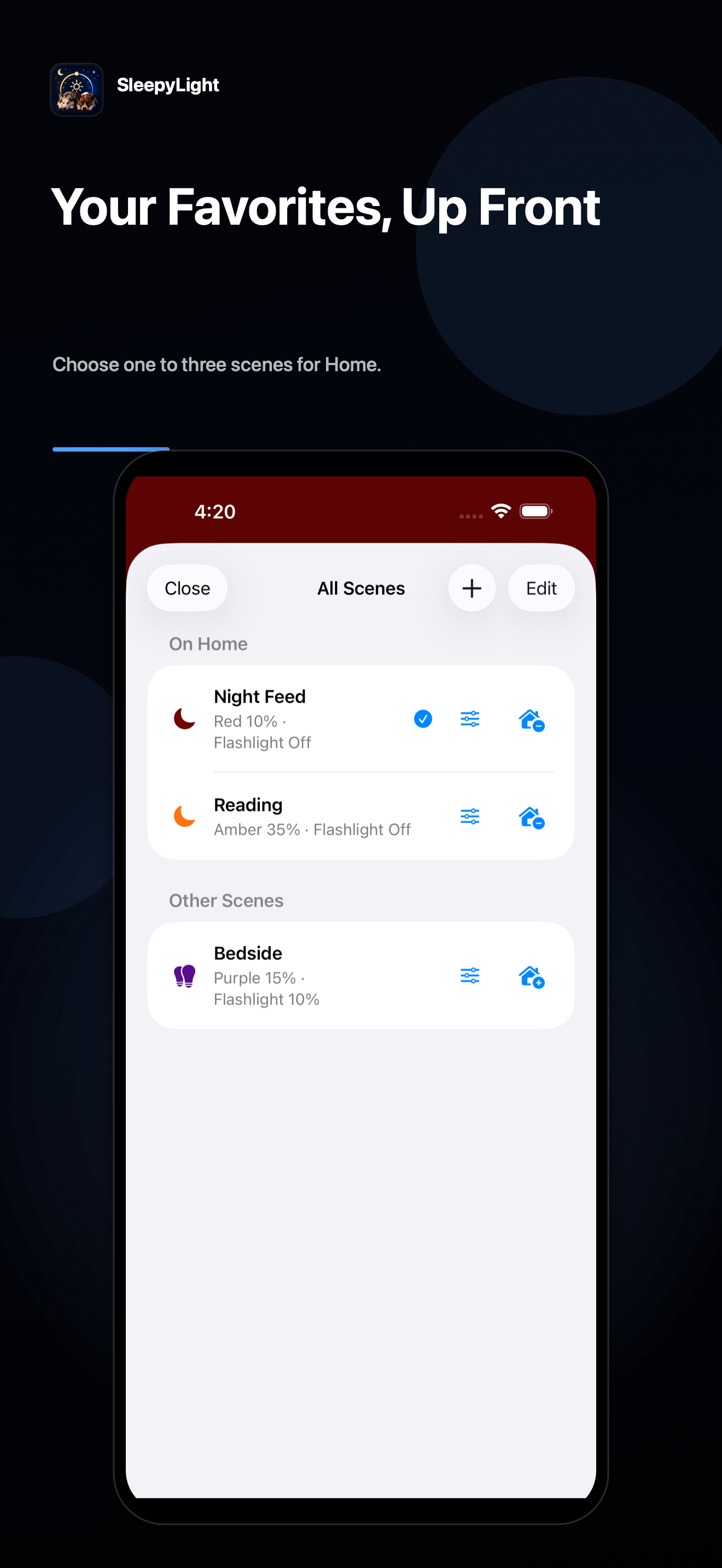
| One scene on Home | Choose one to three scenes for Home |
| Complete manual light controls | Full scene-library organization |
| Ad-free | Disco Mode |
| One-time purchase—no subscription |
Scenes that aren’t on Home remain ready for activation from All Scenes.
Lock the light you want.
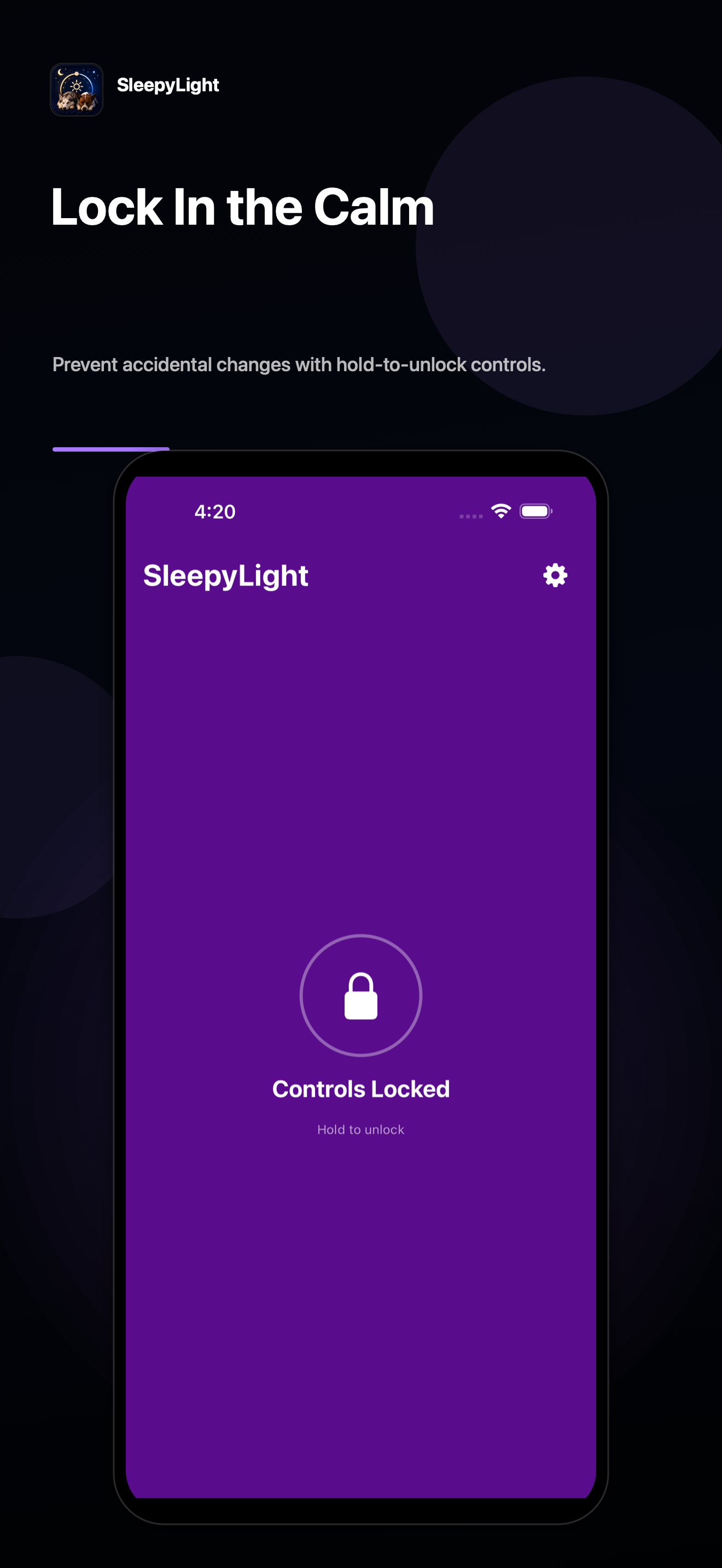
Prevent accidental changes while a light is active. Lock the controls, then press and hold for one second to unlock. Visible progress and a clear confirmation make the gesture easy to follow.
Designed for dark rooms and sleepy hands.
Large touch targets, clear scene states, VoiceOver support, and Dynamic Type make SleepyLight easier to use in the dark or when you’re still half asleep.
SleepyLight Plus
A more playful Screen Light.
Disco Mode brings animated color to the Screen Light when you want something more playful. It is included with SleepyLight Plus.
Your preferred lighting, one tap away.
Download SleepyLight and keep your preferred lighting ready whenever you need it.
Download on the App Store